
Learn, re-learn and
Explore our Resources

Exporting to NAS
Exporting to NAS - How to export your digitised footage directly to a NAS drive. Covers mounting, connection types, recommended devices, and best prac...
Read More ➜
End of Tape Marker Explained
End of Tape Marker Explained - LifeFlix stopped and said end of tape. Here is what that marker means, when it appears early, and what to do about it.
Read More ➜
Tahoe FireWire Issues
Tahoe FireWire Issues - Running macOS Tahoe and your camera stopped working? Here is exactly what changed, what still works, and your best options now...
Read More ➜

FireWire Compatibility Guide
FireWire Compatibility Guide - Is your Mac still FireWire compatible? Find out which models support DV capture and what changed in macOS Tahoe.
Read More ➜
Best Macs for MiniDV Importing
Best Macs for MiniDV Importing - Not every Mac works for MiniDV. Here is which models are reliable, which need workarounds, and which to avoid entirel...
Read More ➜
macOS Tahoe Compatibility Explained
macOS Tahoe Compatibility Explained - Tahoe removed FireWire support entirely. Find out what still works, what does not, and what to do before you upd...
Read More ➜

All-in-One Media Editing on macOS: Why Creators Love LifeFlix Library
Creators are switching to LifeFlix Library, an all-in-one media editor for Mac with AI tagging, metadata editing, cloud storage support, and media man...
Read More ➜
Last Supported Macs for DV Capture
Last Supported Macs for DV Capture -The list of Macs that can capture DV footage natively is shrinking. Find out which models to keep and why they mat...
Read More ➜
Camera Database
Camera Database - Full compatibility list for Sony, Canon, Panasonic, and JVC camcorders. Find your model and see exactly how to connect it.
Read More ➜
Mac Compatibility Checker
Mac Compatibility Checker - Find your Mac model and see which connection methods work, which need adapters, and which OS versions to stay on.
Read More ➜
FireWire Guide
FireWire Guide - Everything you need to know about FireWire in 2026. Versions, cables, Mac support, and what macOS Tahoe changed for good.
Read More ➜
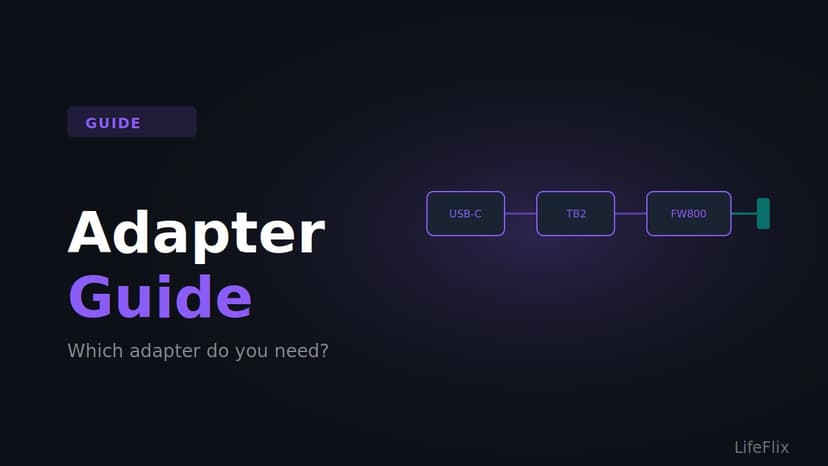
Adapter Guide
Adapter Guide - Which adapter do you actually need? A clear breakdown by Mac model so you buy the right thing and avoid the ones that do not work.
Read More ➜
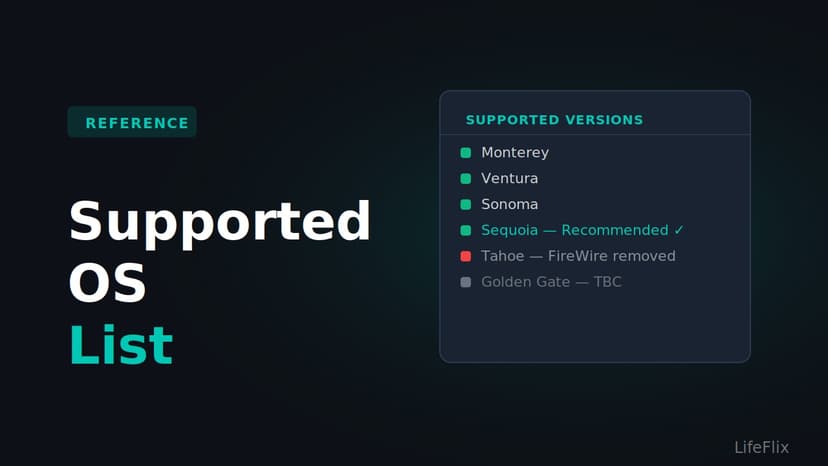
Supported OS List
Supported OS List - Full breakdown of which macOS versions work with LifeFlix Digitizer, FireWire support per version, and what to avoid updating to.
Read More ➜
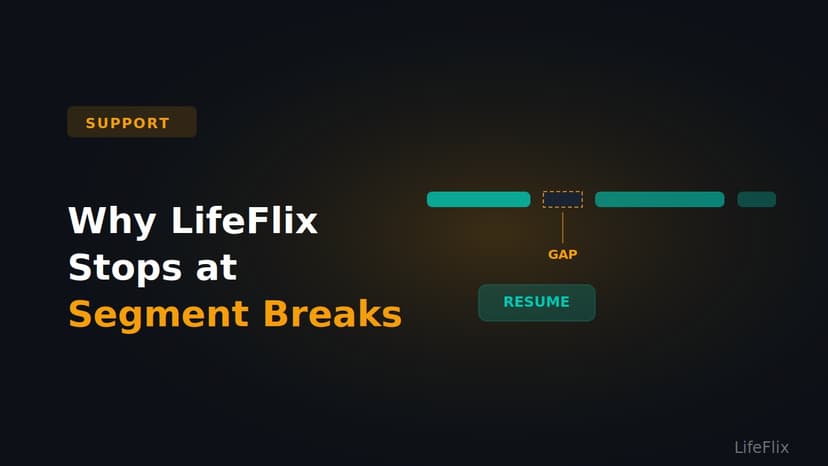
Why Does LifeFlix Stop at Segment Breaks?
Why LifeFlix Stops at Segment Breaks - LifeFlix stopping mid-tape is not a bug. Here is why it happens, how to resume, and how to combine your clips a...
Read More ➜
Why Is My Camera Not Detected?
Why Is My Camera Not Detected - Step by step troubleshooting for when your camcorder does not show up. Covers mode settings, cables, OS, and dirty hea...
Read More ➜
How to Organize Photos and Videos on Mac with LifeFlix Library
Organize photos and videos on Mac with LifeFlix Library, a Mac media library with AI tagging, metadata editing, built-in editing, and digital media st...
Read More ➜
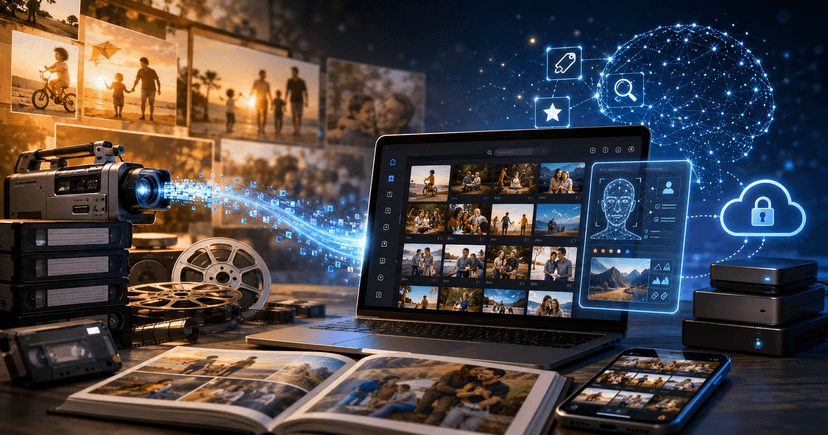
LifeFlix Is Mapping the Future of Smart Media Management
Explore the LifeFlix product roadmap. Discover how this mac editing software is evolving from a mac video editor into a full AI-powered digital media ...
Read More ➜
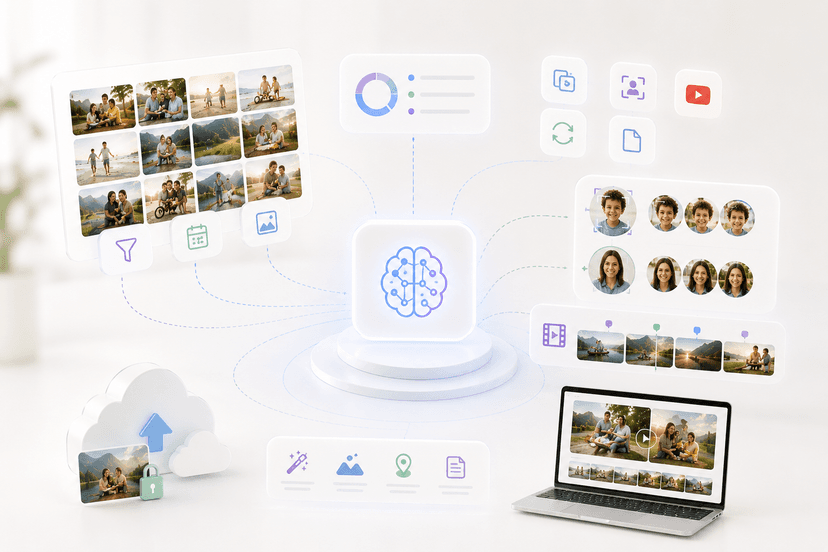
What's Coming Next: A Look at LifeFlix Upcoming Features
Discover LifeFlix's upcoming features from AI tagging tools and duplicate detection to face recognition, scene detection, smart highlights, and AI met...
Read More ➜
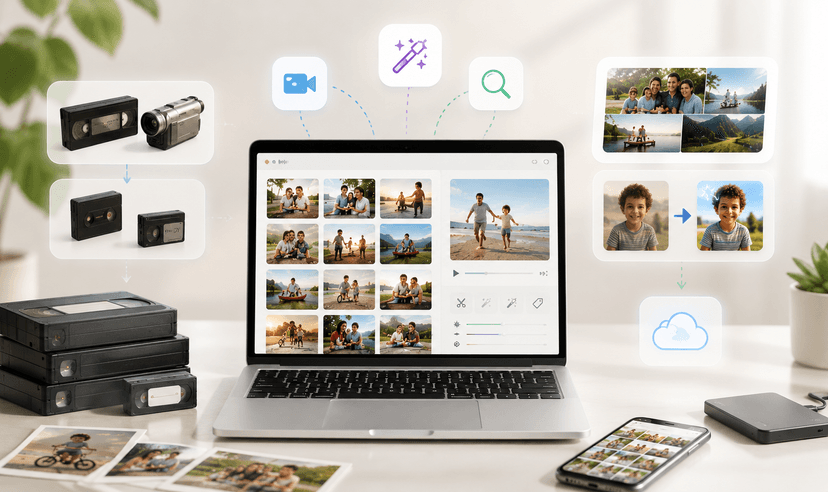
Inside LifeFlix Today: A Deep Dive Into Current Features
A detailed look at every current LifeFlix V5 feature from tape digitization and video editing tools to AI tagging, photo editor for Mac, metadata edit...
Read More ➜
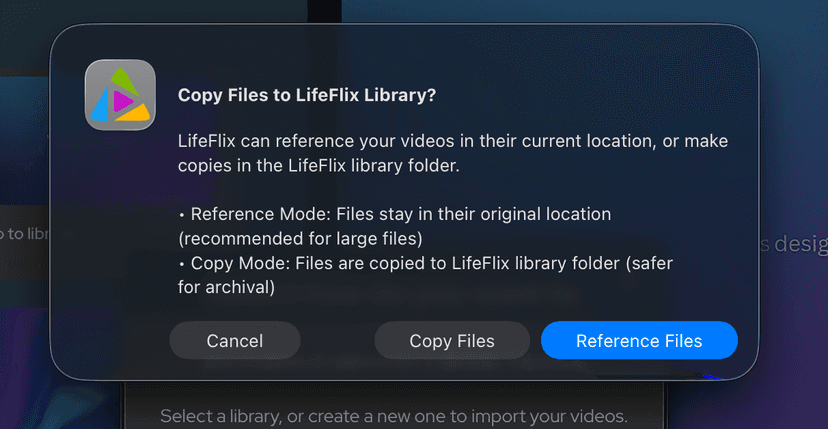
How to Use Reference Files in LifeFlix
Use Reference Files in LifeFlix to store media on an external SSD, save Mac storage, speed up imports, and manage a clean, organized Mac media library...
Read More ➜

Keep Your LifeFlix Library Organized and Avoid Missing Media
Keep your LifeFlix Library organized and prevent missing media. Learn why tapes disappear, how to restore them, and the best way to manage storage saf...
Read More ➜
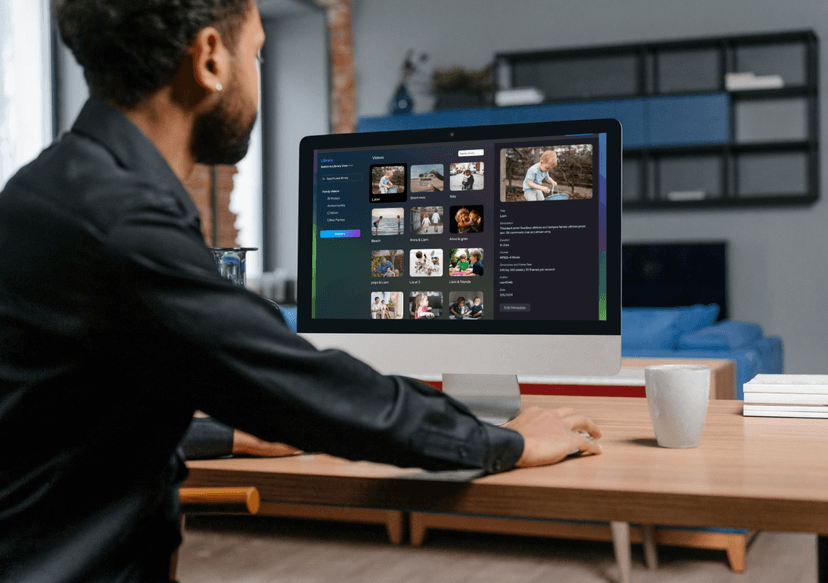
How LifeFlix Library Simplifies Photo & Video Storage on Mac
Simplify photo & video storage on Mac with LifeFlix Library: AI tagging, tape import, local media library, and smart organization for all users.
Read More ➜
Easy Guide To Editing Metadata on LifeFlix Library
A step-by-step guide to viewing, editing, and managing image or video metadata in the LifeFlix Library with AI-assisted tagging.
Read More ➜
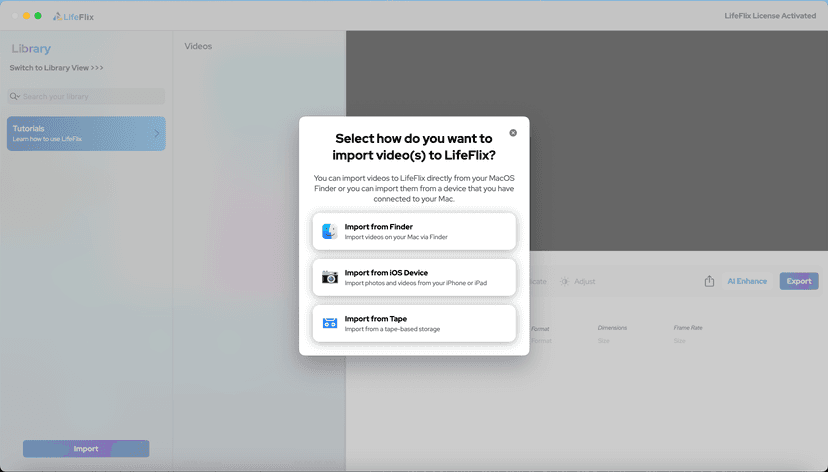
Your First Steps in Library: Installation, Setup & Importing
Step-by-step guide to using Library by LifeFlix. Install the free trial, import from tape, Finder, or iPhone, and manage your media with ease.
Read More ➜
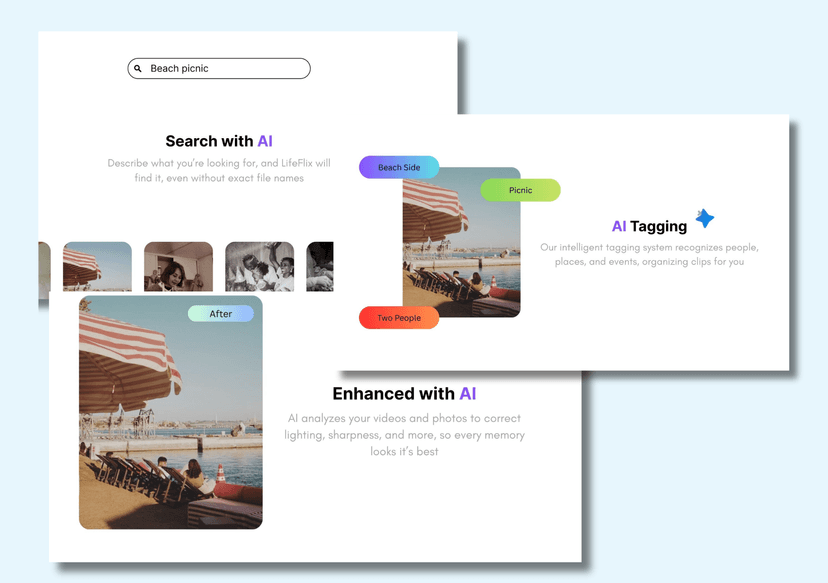
Introducing Library — The Digital Media Solution for 2025
In today’s digital world, creators and everyday users alike are surrounded by endless photos, videos, and files — yet managing them efficiently still ...
Read More ➜
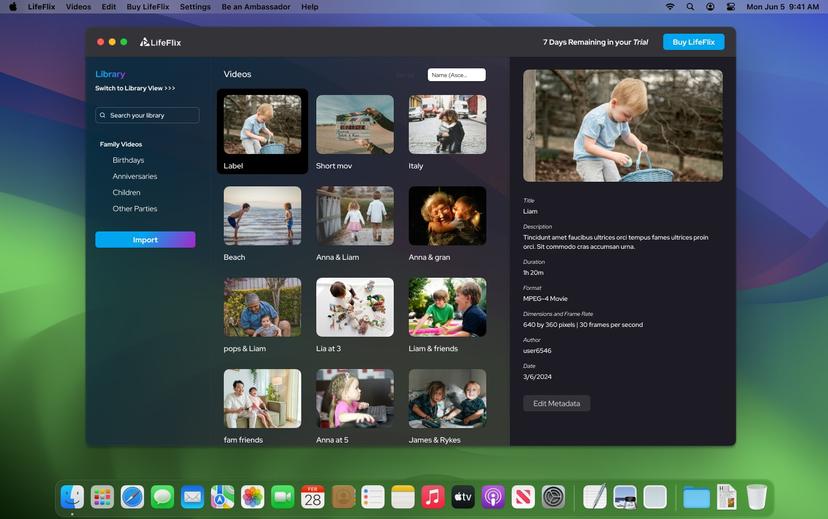
LifeFlix Library: What It Does - and What It Doesn’t Do
LifeFlix Library is an all-in-one media management and storage platform—emphasis on all-in-one. With its extensive features and smart design, it’s not...
Read More ➜

6-Step Guide to Importing iPhone Videos and Tapes into LifeFlix
LifeFlix is a powerful Mac application that lets you import, enhance, and preserve videos from both modern devices like iPhones and legacy formats lik...
Read More ➜
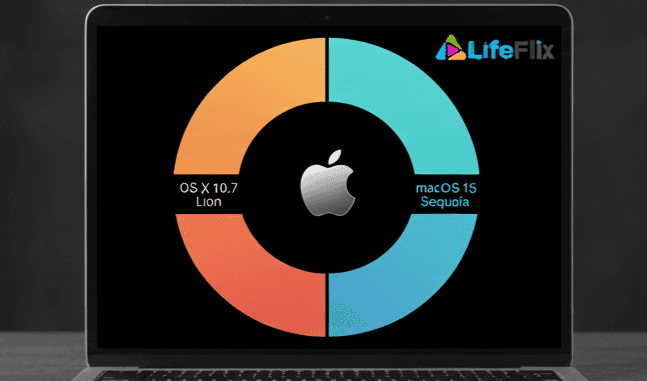
Mac OS Compatibility
Learn which Mac OS versions are compatible with LifeFlix. Ensure smooth performance, full feature access, and secure media digitizing and management f...
Read More ➜
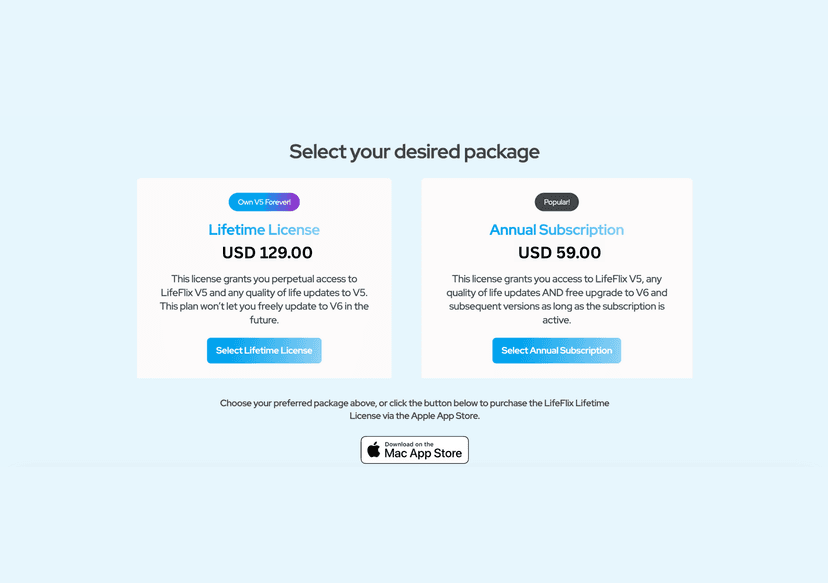
LifeFlix Library Annual Subscription vs Lifetime Licence
Choose between an Annual Subscription with ongoing updates or a one-time payment for Lifetime License for complete access to LifeFlix Library on Mac.
Read More ➜
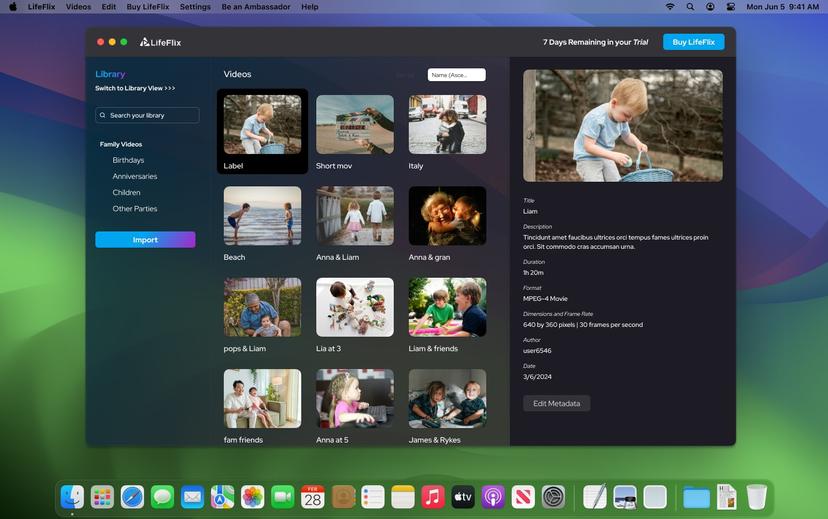
LifeFlix Library - New and Improved Features
Explore LifeFlix on Mac: media organizer, editing tools, smart search, AI features, cloud sync, and more for easy video and photo management.
Read More ➜
How to Upgrade from the Free Version to a Paid Subscription
Before purchasing, download and test the free trial to ensure LifeFlix works with your device. The trial allows you to:
Read More ➜
Using LifeFlix on Older macOS Versions
Use LifeFlix on older macOS versions with these downloads and activation steps.
Read More ➜
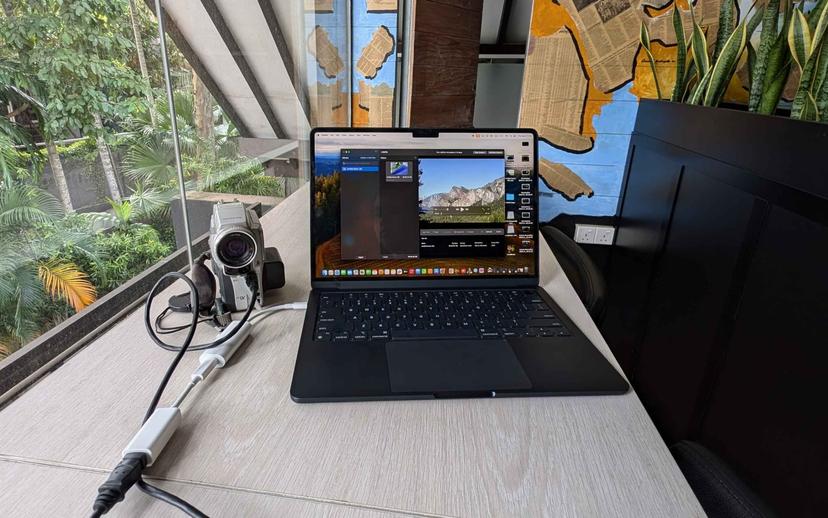
LifeFlix Version 5
Lifeflix v4.2.5 simplifies digitizing and editing old tapes with intuitive tools, advanced features, and easy importing for preserving your memories.
Read More ➜

Ultimate Guide to Editing Restored Footage
The tapes have been restored. Quality might be mediocre at best and that’s where editing comes in
Read More ➜
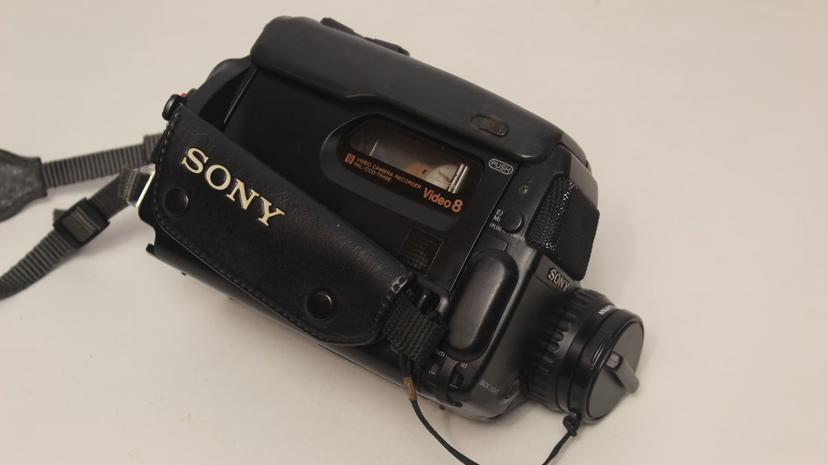
Manual on film digitisation
Lifeflix v4.2.5 simplifies digitizing and editing old tapes with intuitive tools, advanced features, and easy importing for preserving your memories.
Read More ➜
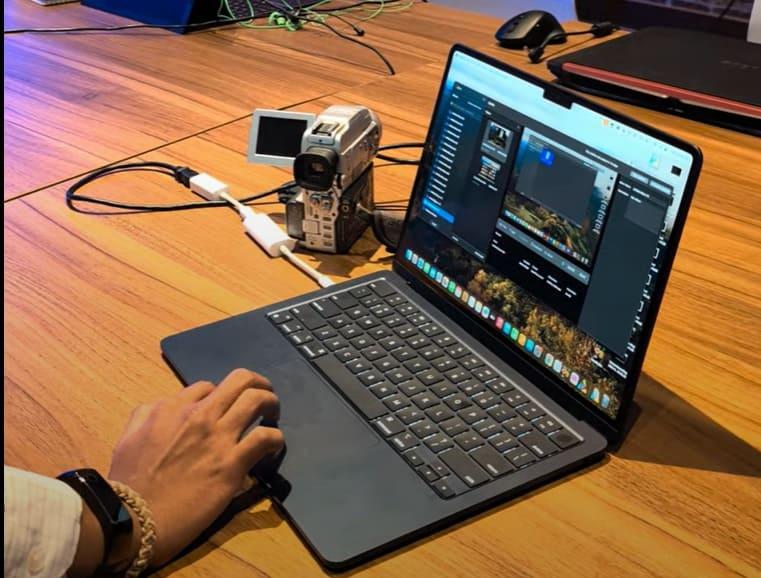
Lifeflix v4.2.5 - Unlocking New Possibilities
Lifeflix v4.2.5 simplifies digitizing and editing old tapes with intuitive tools, advanced features, and easy importing for preserving your memories.
Read More ➜

Your Comprehensive How to Guide for Lifeflix
Guide to Lifeflix: Convert and preserve old tapes with ease! Learn to set up equipment, capture, edit, organize, restore, and share your videos seamle...
Read More ➜

A GUIDE YOU NEED. Preserve those moments!
Preserve your old tapes with this guide! Identify your formats, gather gear, and use Lifeflix for easy digitization and restoration. Keep those memori...
Read More ➜
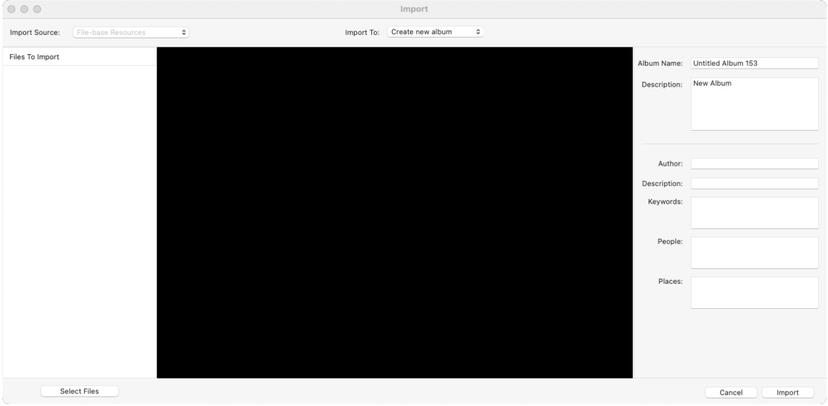
Import Interface on LifeFlix v4.2.5
LifeFlix v4.2.5 Import Interface: Different Views for Connected and Disconnected Devices, Import Options, and Important Settings Explained
Read More ➜
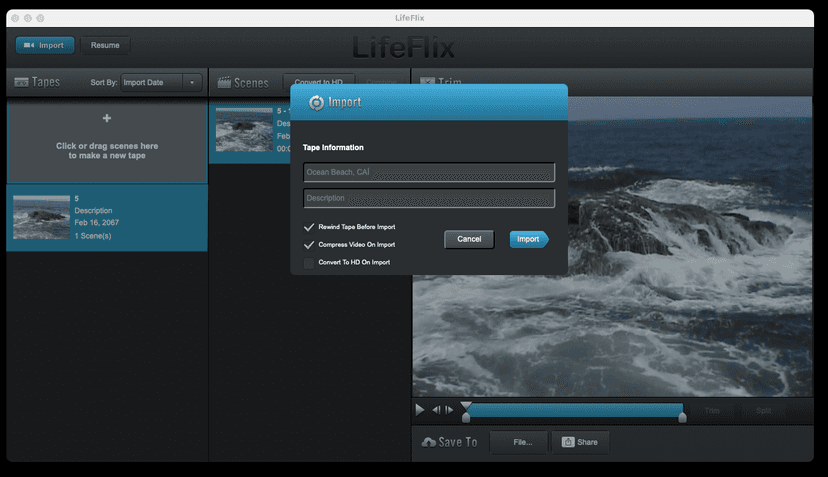
Import Interface on LifeFlix v3.6
Optimize import process for seamless footage archiving on LifeFlix v3.6.
Read More ➜

Importing on LifeFlix v3.6
LifeFlix v3.6: Mac-compatible, imports legacy tapes to MOV files.
Read More ➜
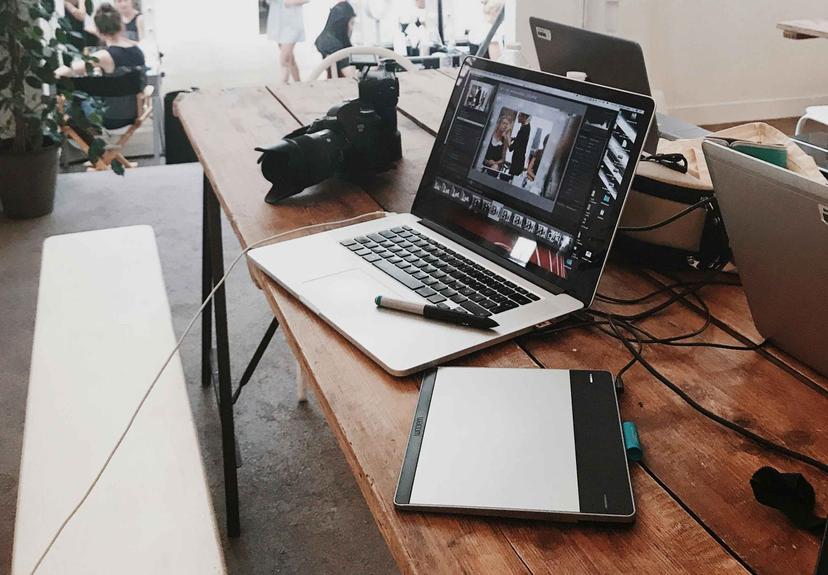
Importing on LifeFlix v4.2.5
LifeFlix v4.2.5: Mac-compatible, imports legacy tapes to MOV files.
Read More ➜
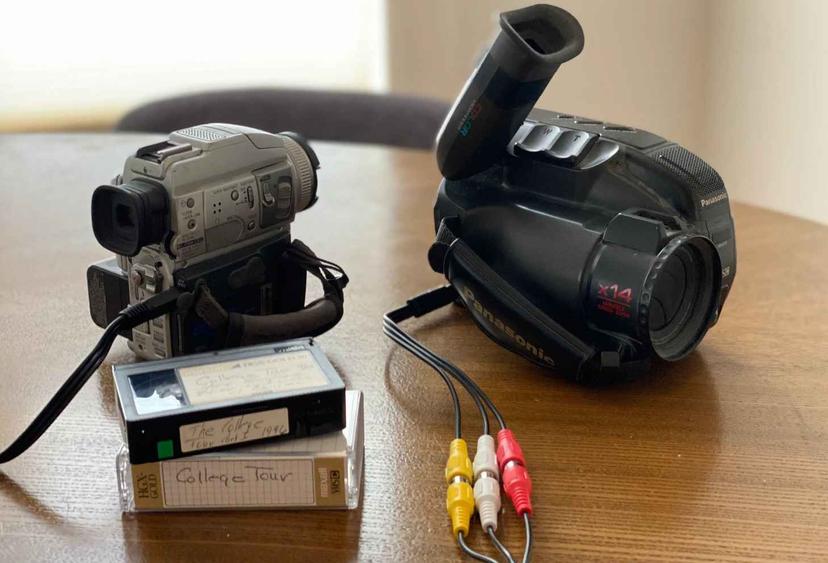
Importing tapes from devices on LifeFlix v3.6
Archive your tape footage seamlessly with LifeFlix v3.6's import workflow.
Read More ➜

Main Interface on LifeFlix v3.6
Launch import, resume where left, organize scenes, preview, trim, share with LifeFlix v3.6
Read More ➜
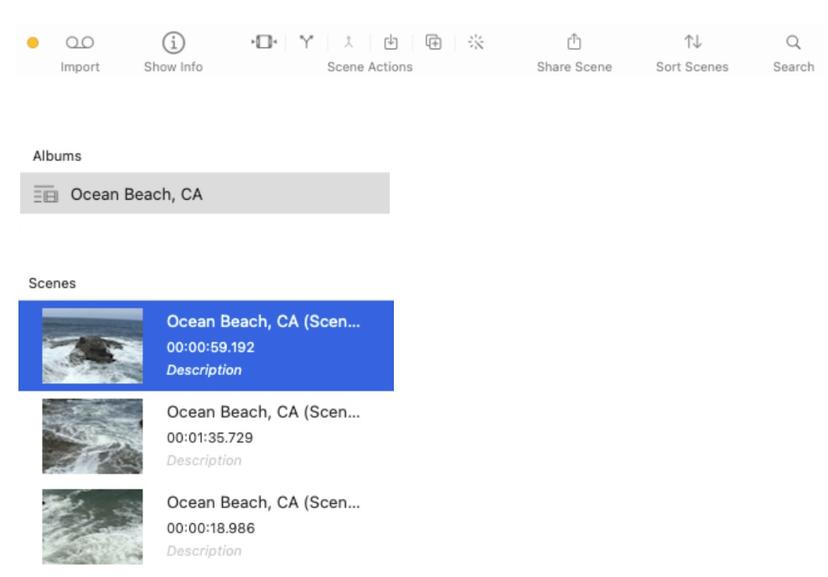
Main Interface on LifeFlix v4.2.5
LifeFlix v4.2.5 Toolbar and Functions: Import, Scene Actions, Sharing, Sorting, Search, and Playback Features Explained
Read More ➜

Selecting archive destination on LifeFlix v3.6
LifeFlix v3.6 stores footage in "Macintosh HD > Users > [your OS profile name] > Movies > LifeFlix > Tapes".
Read More ➜
Sharing on LifeFlix v3.6
Easily share your archived footage via various media services with LifeFlix v3.6.
Read More ➜
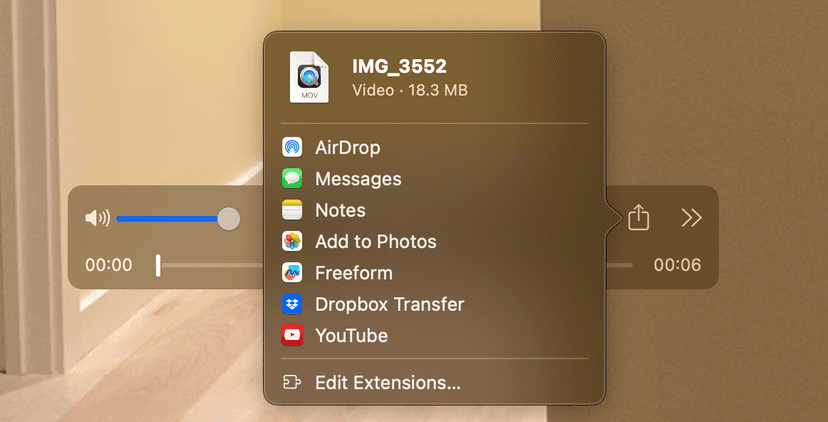
Sharing on LifeFlix v4.2.5
Easily share your archived footage via various media services with LifeFlix v4.2.5.
Read More ➜

Splitting footage on LifeFlix v3.6
Easily split scenes in LifeFlix v3.6 by positioning the playhead marker and clicking "Split".
Read More ➜