
LifeFlix Is Mapping the Future of Smart Media Management
An overview of the LifeFlix product roadmap and where it is heading, and beyond
LifeFlix has come a long way from its origins as a simple tape digitization tool for Mac users. What began as an elegant solution for preserving VHS and MiniDV footage has evolved into one of the most thoughtful pieces of Mac editing software available today, a full-featured media library platform built specifically for families who care about their visual history. And if the product roadmap is anything to go by, the journey is far from over.
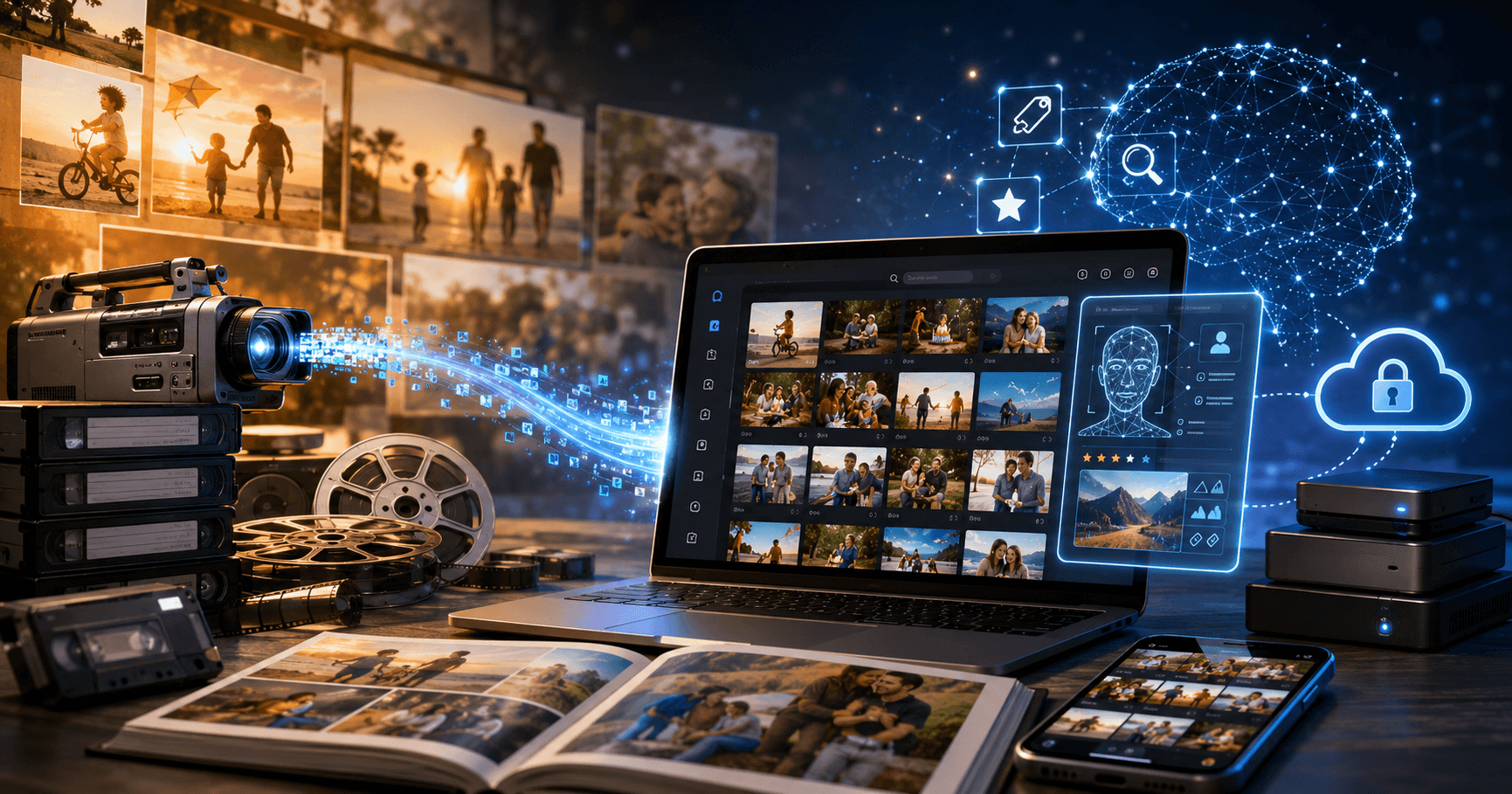
The official LifeFlix roadmap lays out a clear five-stage vision, divided into what is already available today and what is being actively developed for tomorrow. The progression is logical and ambitious: start with the fundamentals of digitization, build in organization and viewing, layer on AI-powered tools, and then unlock a next generation of smart, intelligent memory management, making LifeFlix the best Mac video editor for family archives.
Where LifeFlix Stands Today
The current version, LifeFlix V5, already offers a robust set of features across three key pillars. As a dedicated piece of Mac video editor software, it handles the core challenge of capture and digitization, pulling legacy tape footage into the digital age via FireWire or USB. Beyond that, it provides a polished organization experience with collections, albums, and smart search. And perhaps most excitingly, it has introduced a powerful AI layer, including AI enhancement, AI tagging, and AI-powered search, putting it firmly among the top Mac editing software options available today.
FireWire & macOS Compatibility
While LifeFlix continues to support legacy DV workflows on compatible systems, Apple’s newer macOS releases have introduced important hardware limitations. macOS 16 (Tahoe) and newer versions no longer support FireWire connectivity, meaning DV importing from camcorders is currently not possible on Tahoe and later versions. However, all existing library management, organization, AI tagging, search, and media viewing features remain fully functional for users managing their existing media collections.
Verify Your System Compatibility
• Ensure your Mac is running macOS 10.7 or later
• LifeFlix Version 3 supports macOS 10.7 (Lion – 2011) and above
• LifeFlix Versions 4 and 5 support macOS 12 (Monterey – 2021) and above
It is also important to note that the advanced library and media management features highlighted throughout the current product roadmap, including AI-powered organization, smart search, collections, albums, and enhanced media management tools, are available for LifeFlix V5 and newer versions only.
A Platform for Digital Media Storage
One of LifeFlix's most important roles is serving as a long-term digital media storage solution. Rather than leaving precious footage scattered across hard drives and USB sticks, LifeFlix centralizes everything into a single, well-organized media library. Combined with seamless integration to popular cloud storage services like Google Drive and Apple iCloud, your family memories are not only preserved, they are protected and accessible from anywhere.
What makes the platform especially meaningful is that many of these features have been shaped directly by the LifeFlix community. Over the years, the team has consistently listened to user feedback, feature requests, and long-time Mac users who rely on LifeFlix to preserve their memories. The platform has continued to evolve based on the needs of its community. This user-driven approach has helped LifeFlix grow beyond a simple digitization utility into a more complete media management platform, one designed not just to store memories, but to make them easier to organize, revisit, and preserve for future generations.
Where LifeFlix Is Heading
Looking ahead, LifeFlix has two major phases planned. The next phase focuses on smarter AI management, making it easier to keep a growing library tidy without manual effort. Beyond that, a more advanced recognition tier is on the horizon, bringing face recognition, scene detection, and YouTube video imports. In a landscape full of exciting new ai tools, LifeFlix is staking its claim as the most personal and purposeful AI-powered platform for Mac users.
A Platform Built for the Long Haul
What makes the LifeFlix roadmap compelling is the philosophy behind it. Every planned feature ties back to the same mission: making it easier to find, enjoy, and share the moments that matter most. The team is also inviting users to shape the roadmap directly through a community survey, a sign that the product's future will be as much about its users' needs as it is about technical innovation. LifeFlix is not just mac editing software, it is becoming the definitive home media library for Mac users who take their memories seriously.
Start your media management journey today!
Subscribe to lifeflix.com
Most Popular
Join Our LifeFlix Community
Enter Your Email Address to Sign Up for Exclusive Updates!
Own your
memories
forever
withLifeFlix!
Related Guides

FireWire Compatibility Guide
FireWire Compatibility Guide - Is your Mac still FireWire compatible? Find out which models support DV capture and what changed in macOS Tahoe.
Read More ➜
Best Macs for MiniDV Importing
Best Macs for MiniDV Importing - Not every Mac works for MiniDV. Here is which models are reliable, which need workarounds, and which to avoid entirel...
Read More ➜
