
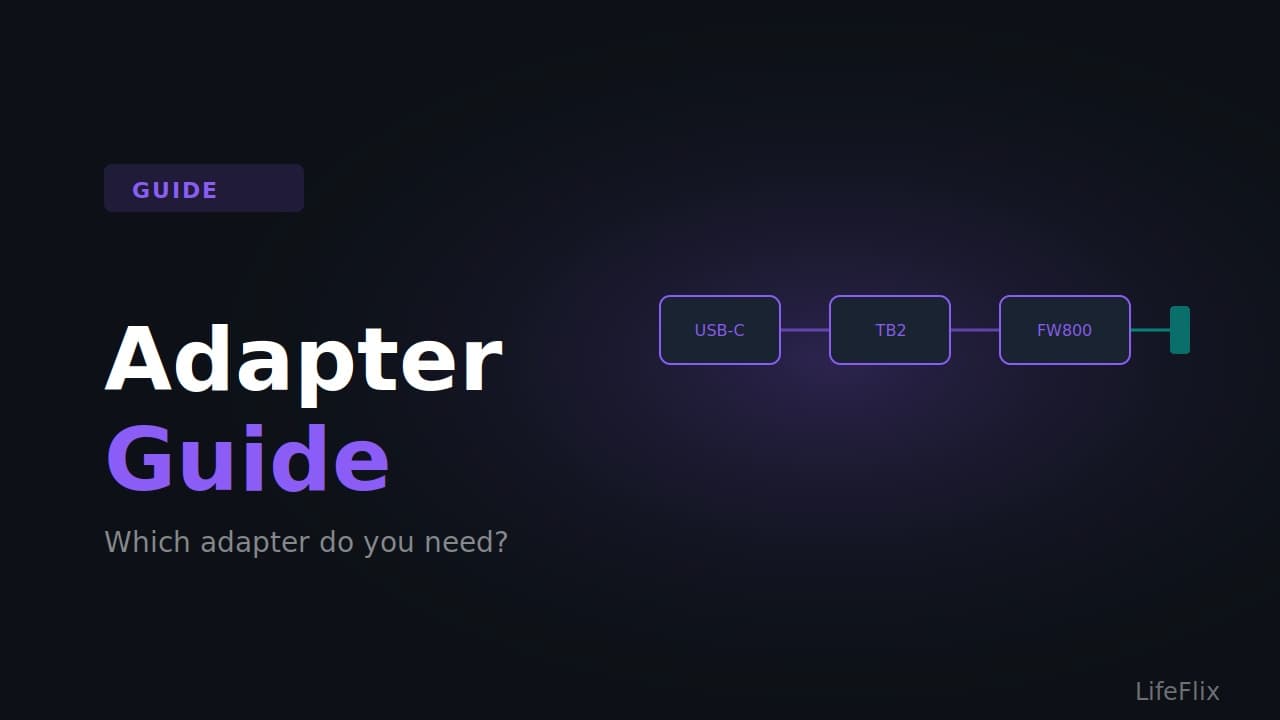
Which Adapter Do You Need? The Complete Adapter Guide for Mac Tape Digitising
The right adapter depends entirely on which Mac you have. Here is a clear breakdown.
Situation 1: Pre-2013 Mac with native FireWire 800 port
Adapter needed: None. Cable needed: 4-pin to 9-pin FireWire cable (also called a 4-pin to FireWire 800 cable). Where to buy: Available on Amazon, eBay, and most electronics stores. Search for "4 pin to 9 pin FireWire DV cable." Budget around $8 to $15. This is the simplest possible setup. Plug the 4-pin end into your camcorder and the 9-pin end into your Mac's FireWire 800 port.
Situation 2: Intel Mac with Thunderbolt 1 or 2 (2012 to 2019, with the older rectangular Thunderbolt port)
Adapter needed: Apple Thunderbolt to FireWire Adapter (model MD464LL/A). Cable needed: 4-pin to 9-pin FireWire cable. Where to buy: The Apple adapter is available on Amazon and eBay. It was discontinued by Apple but stock is still available second hand. Budget around $20 to $35 for the adapter. Important: Only use the official Apple adapter. Third party Thunderbolt to FireWire adapters are unreliable. Only works on macOS Sequoia or earlier.
Situation 3: Modern Mac with Thunderbolt 3 or 4 (USB-C port, 2019 onwards)
Adapter chain needed: Step 1: Apple USB-C to Thunderbolt 2 Adapter (the white rectangular adapter from Apple, model MJ1K2AM/A). Around $35 new. Step 2: Apple Thunderbolt to FireWire Adapter (MD464LL/A). Around $20 to $35. Step 3: 4-pin to 9-pin FireWire cable. Around $10. Total cost: Approximately $65 to $80 for the full chain. Works on: macOS Sequoia and earlier. Also works on macOS Tahoe using DaVinci Resolve as the capture software.
Situation 4: Hi8 or VHS tapes with any modern Mac
Adapter needed: USB analog video capture card. This bypasses FireWire entirely. Recommended options: Elgato Video Capture (USB 2.0, well-supported on Mac), ClearClick Video to USB, or similar USB capture devices with RCA input. Cable needed: RCA or S-Video cable from your camcorder to the capture card. These are usually included with the device. Works on: All modern Macs including Apple Silicon and macOS Tahoe. No adapter chain required. Budget: $25 to $60 depending on the device. Note: This method works for analog formats only (Hi8, Video8, VHS, VHS-C). It does not replace FireWire for MiniDV or Digital8 tapes.
What not to buy
USB to FireWire adapters: These do not work and cannot work. Avoid anything labelled "USB to FireWire" or "FireWire to USB." Generic Thunderbolt to FireWire adapters: Third party versions of the Apple adapter are unreliable. Only the official Apple adapter has consistent results. Cheap capture cards for MiniDV: USB analog capture devices capture the analog output of a camcorder. They do not capture the digital DV stream that gives you full quality from MiniDV tapes. For MiniDV, FireWire is the right method.
Most Popular
Join Our LifeFlix Community
Enter Your Email Address to Sign Up for Exclusive Updates!
Related Guides
Exporting to NAS
Exporting to NAS - How to export your digitised footage directly to a NAS drive. Covers mounting, connection types, recommended devices, and best prac...
Read More ➜
End of Tape Marker Explained
End of Tape Marker Explained - LifeFlix stopped and said end of tape. Here is what that marker means, when it appears early, and what to do about it.
Read More ➜