
1. Try the Free Trial First
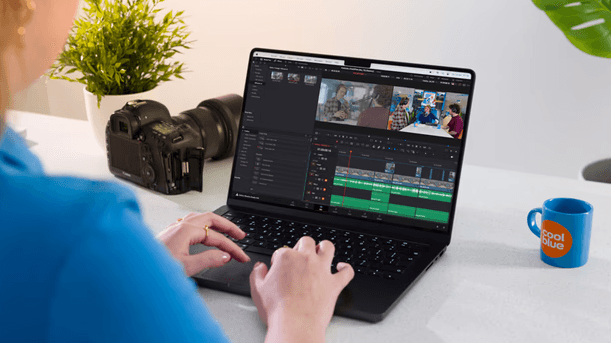
Before purchasing, download and test the free trial to ensure LifeFlix works with your device. The trial allows you to:
- Check compatibility with your Mac and camcorder
- Ensure smooth importing of your footage.
- Get familiar with the interface and features.
2. Purchasing & Activating a Subscription
Users can upgrade through the LifeFlix website or the Apple Store.
Purchasing Through the Website
1 . Select your preferred license:
- Annual Subscription ($59): Includes free updates for all future LifeFlix versions.
- Perpetual License ($129): One-time purchase with all future v5 updates included.
2.Complete the purchase, ensuring the correct email address is entered.
3.A license key will be sent via email.
4.Copy and paste the key into LifeFlix’s activation window (remove any extra spaces or characters).
Purchasing Through the Apple Store
- Apple Store purchases do not require a license key, activation is linked to your Apple ID.
- Perpetual License ($129): A one-time purchase that includes all v5 updates.
3. Refund Policy
For refund details, refer to the Refund Policy.
4. Older MacOS
Have an older MacOS and would like to try LifeFlix out? No problem. We also have older builds.
Version 3 supports macOS 10.7 (Lion) and later (2011+).
Version 4 supports macOS 12 (Monterey) and later (2021+).
Most Popular
Join Our LifeFlix Community
Enter Your Email Address to Sign Up for Exclusive Updates!
Own your
memories
forever
withLifeFlix!
Related Guides
Exporting to NAS
Exporting to NAS - How to export your digitised footage directly to a NAS drive. Covers mounting, connection types, recommended devices, and best prac...
Read More ➜
End of Tape Marker Explained
End of Tape Marker Explained - LifeFlix stopped and said end of tape. Here is what that marker means, when it appears early, and what to do about it.
Read More ➜