
End of Tape Marker Explained: Why LifeFlix Stops and What It Means
If LifeFlix suddenly stops importing and you see a message about the end of tape, here is exactly what that means and what to do next.
What is the end of tape marker?
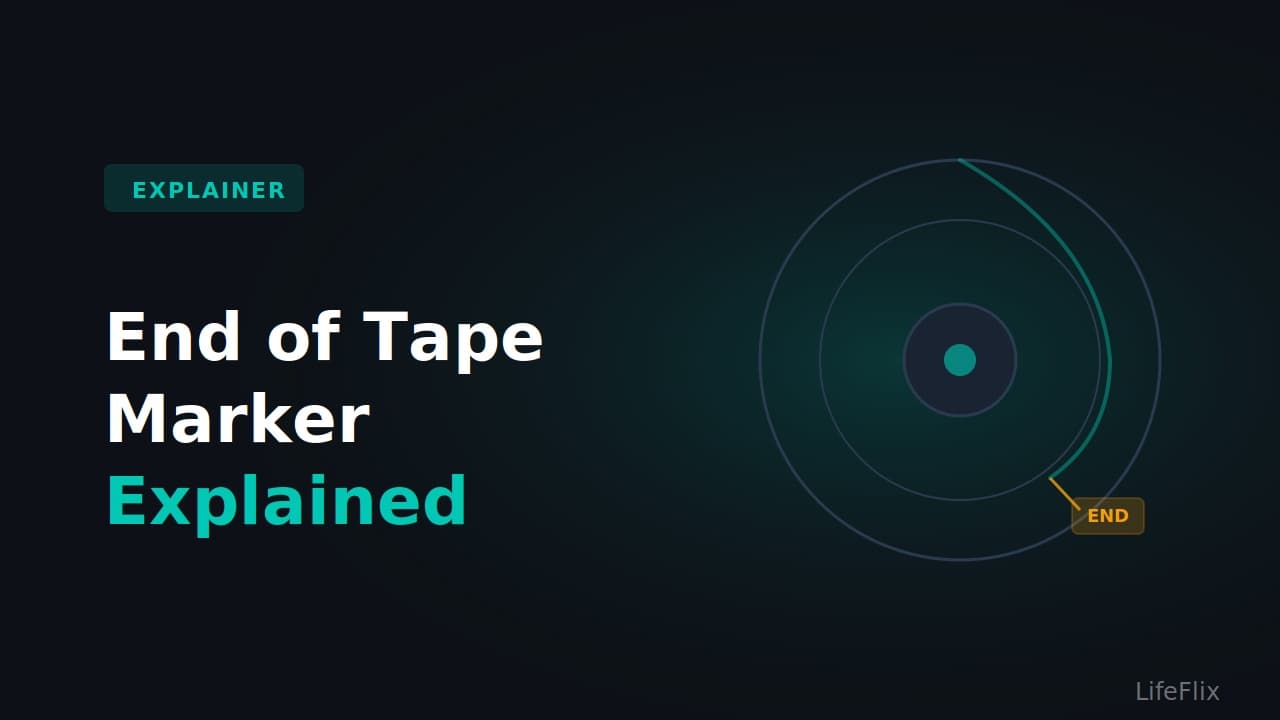
MiniDV tapes record a signal called the end of tape marker in the final few seconds of usable tape. When LifeFlix detects this signal during capture, it stops automatically. This is expected behaviour and means LifeFlix has successfully captured everything on the tape.
A standard 60-minute MiniDV tape recorded at normal speed will stop at around 60 minutes. A 60-minute tape recorded in LP (long play) mode will stop at around 90 minutes.
What if LifeFlix stops before the tape is actually finished?
If LifeFlix stops much earlier than you expect, there are two likely causes.
The first is a segment break or timecode gap. If your tape has a blank or unrecorded section anywhere on it, LifeFlix may read that gap as the end of the tape and stop early. This is the most common reason for an unexpected stop. Use the Resume button in the upper left corner of LifeFlix to continue past the gap.
The second is a damaged section of tape. Physical damage, oxide shedding, or a warped section of tape can cause the signal to drop out, which LifeFlix reads as an end of content signal. If you know there is footage beyond a certain point on the tape, fast forward past the damaged section on your camcorder and start a new import from there.
What if LifeFlix keeps stopping at the same point every time?
If you resume and LifeFlix stops at exactly the same timecode repeatedly, the tape itself likely has physical damage at that point. Try running a DV head cleaning tape through your camcorder for 10 seconds and attempting the import again. If the problem persists, the tape may have degraded beyond what can be recovered through software.
Does stopping at the end of tape mean my footage was cut off?
No. An end of tape detection means LifeFlix captured everything that was recorded on the tape up to that point. Your footage has not been cut short by LifeFlix. If you feel like footage is missing, rewind the tape and play it back directly on your camcorder to confirm what is actually recorded on it.
Most Popular
Join Our LifeFlix Community
Enter Your Email Address to Sign Up for Exclusive Updates!
Own your
memories
forever
withLifeFlix!
Related Guides
Exporting to NAS
Exporting to NAS - How to export your digitised footage directly to a NAS drive. Covers mounting, connection types, recommended devices, and best prac...
Read More ➜
End of Tape Marker Explained
End of Tape Marker Explained - LifeFlix stopped and said end of tape. Here is what that marker means, when it appears early, and what to do about it.
Read More ➜