
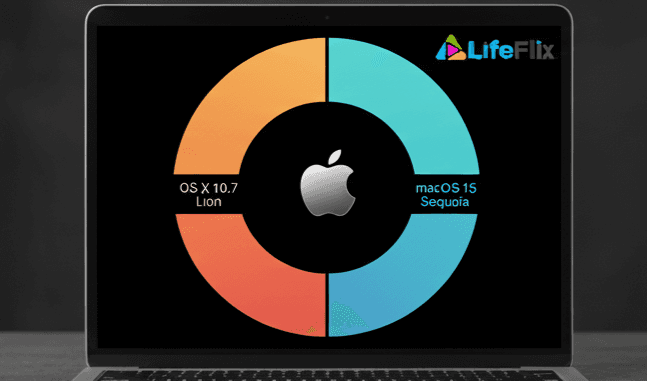
LifeFlix now supports the following:
DV Importing (FireWire-based camcorder and tape capture):
- Supported on macOS 10.7 Lion through macOS 15.7 Sequoia (released September 15, 2024).
- macOS 16 (Tahoe) does not support FireWire. As a result, DV importing will not work on Tahoe or newer versions.
LifeFlix Library (media management and editing):
- Runs smoothly on the latest macOS versions, including macOS 16 Tahoe.
- Library features such as video trimming, combining, organizing, and exporting remain fully functional on all supported Macs.
Why this matters:
- Ensures Smooth Performance: Running LifeFlix on a supported Mac OS version prevents crashes, slowdowns, or unexpected errors.
- Access to Full Features: All video and photo editing tools, AI enhancements, and cloud integration work correctly only on supported Mac OS versions.
- Security and Stability: Supported Mac OS versions receive the latest security patches, keeping your LifeFlix projects safe.
- Optimized Media Management: Proper compatibility ensures efficient handling of large video and photo libraries without storage issues.
- Future Updates: Staying within the supported range ensures compatibility with future LifeFlix releases and features.
Learn more about compatibility and download options here: LifeFlix Buy Now
Most Popular
Join Our LifeFlix Community
Enter Your Email Address to Sign Up for Exclusive Updates!
Own your
memories
forever
withLifeFlix!
Related Guides
Exporting to NAS
Exporting to NAS - How to export your digitised footage directly to a NAS drive. Covers mounting, connection types, recommended devices, and best prac...
Read More ➜
End of Tape Marker Explained
End of Tape Marker Explained - LifeFlix stopped and said end of tape. Here is what that marker means, when it appears early, and what to do about it.
Read More ➜