
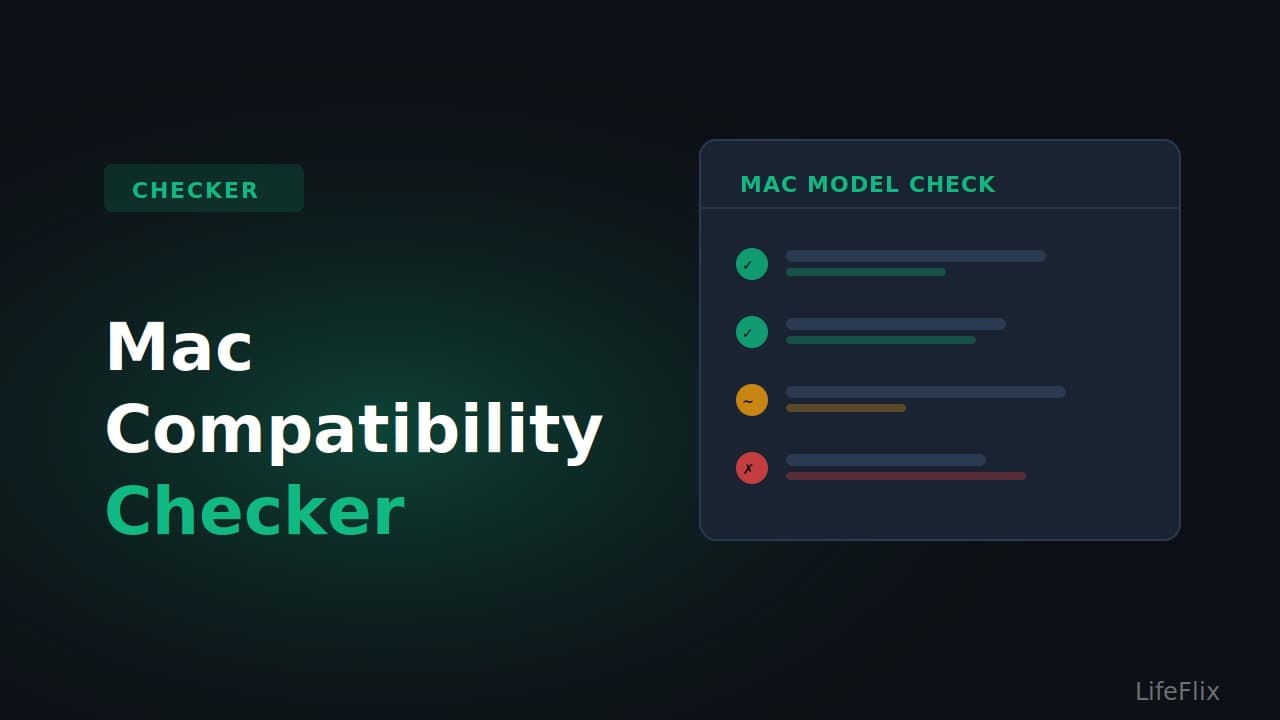
Which Mac Do You Have? Here Is What You Can Do with LifeFlix
Find your Mac below to see exactly which connection methods work for your machine.
MacBook Pro 2012 (13-inch or 15-inch, non-Retina)
Native FireWire 800 port: Yes Works on: macOS Monterey, Ventura, Sonoma, Sequoia. Do not upgrade to Tahoe. Recommended setup: Connect camcorder directly with a 4-pin to 9-pin FireWire cable. No adapter needed. Best for: MiniDV, HDV, Digital8 (via iLink camcorders) Verdict: Best Mac for tape digitising in 2026. Keep it on Sequoia and do not let it go.
Mac mini Late 2012
Native FireWire 800 port: Yes Works on: macOS Monterey, Ventura, Sonoma, Sequoia. Do not upgrade to Tahoe. Recommended setup: 4-pin to 9-pin FireWire cable direct to camcorder. Verdict: Excellent dedicated digitising machine. Compact, affordable second hand, and runs quietly.
iMac 2011
Native FireWire 800 port: Yes Works on: macOS Monterey, Ventura, Sonoma, Sequoia. Recommended setup: 4-pin to 9-pin FireWire cable direct. Verdict: Solid option. Older than the 2012 models but still fully capable.
MacBook Pro / iMac 2013 to 2019 (Intel, Thunderbolt 2)
Native FireWire port: No Adapter needed: Apple Thunderbolt to FireWire Adapter (MD464LL/A) Cable needed: 4-pin to 9-pin FireWire cable Works on: macOS Sequoia and earlier only. Tahoe removed FireWire support. Verdict: Works well on Sequoia. Do not upgrade the OS until your digitising is complete.
MacBook Pro / iMac 2019 to 2020 (Intel, Thunderbolt 3)
Native FireWire port: No Adapter chain needed: Thunderbolt 3 to Thunderbolt 2 adapter, then Thunderbolt 2 to FireWire 800 adapter, then 4-pin to 9-pin cable to camcorder Works on: macOS Sequoia and earlier only. Note: macOS Tahoe is the final macOS version for these machines, but FireWire does not work on Tahoe. Stick to Sequoia for any digitising work. Verdict: More complex setup but functional on Sequoia.
MacBook Pro / MacBook Air / Mac mini / iMac / Mac Studio with Apple Silicon (M1, M2, M3, M4, M5)
Native FireWire port: No Adapter chain needed: Thunderbolt 3 to Thunderbolt 2 adapter, then Thunderbolt 2 to FireWire 800 adapter, then 4-pin to 9-pin FireWire cable Works on: macOS Sequoia. Also works on Tahoe using DaVinci Resolve for capture. Capture software: Use DaVinci Resolve (free) for the capture step, then bring footage into LifeFlix for editing and organisation. Verdict: Fully viable with the right adapter chain. You do not need an old Mac to digitise tapes in 2026.
Any Mac running macOS Tahoe (if using FireWire)
FireWire support: Completely removed. No workaround exists. Best path: Keep a second Mac on Sequoia for the capture step, then transfer files to your Tahoe machine. Alternative: Use a USB analog capture card for Hi8 and VHS format tapes. This bypasses FireWire entirely and works on any Mac including Tahoe.
Most Popular
Join Our LifeFlix Community
Enter Your Email Address to Sign Up for Exclusive Updates!
Related Guides
Exporting to NAS
Exporting to NAS - How to export your digitised footage directly to a NAS drive. Covers mounting, connection types, recommended devices, and best prac...
Read More ➜
End of Tape Marker Explained
End of Tape Marker Explained - LifeFlix stopped and said end of tape. Here is what that marker means, when it appears early, and what to do about it.
Read More ➜