
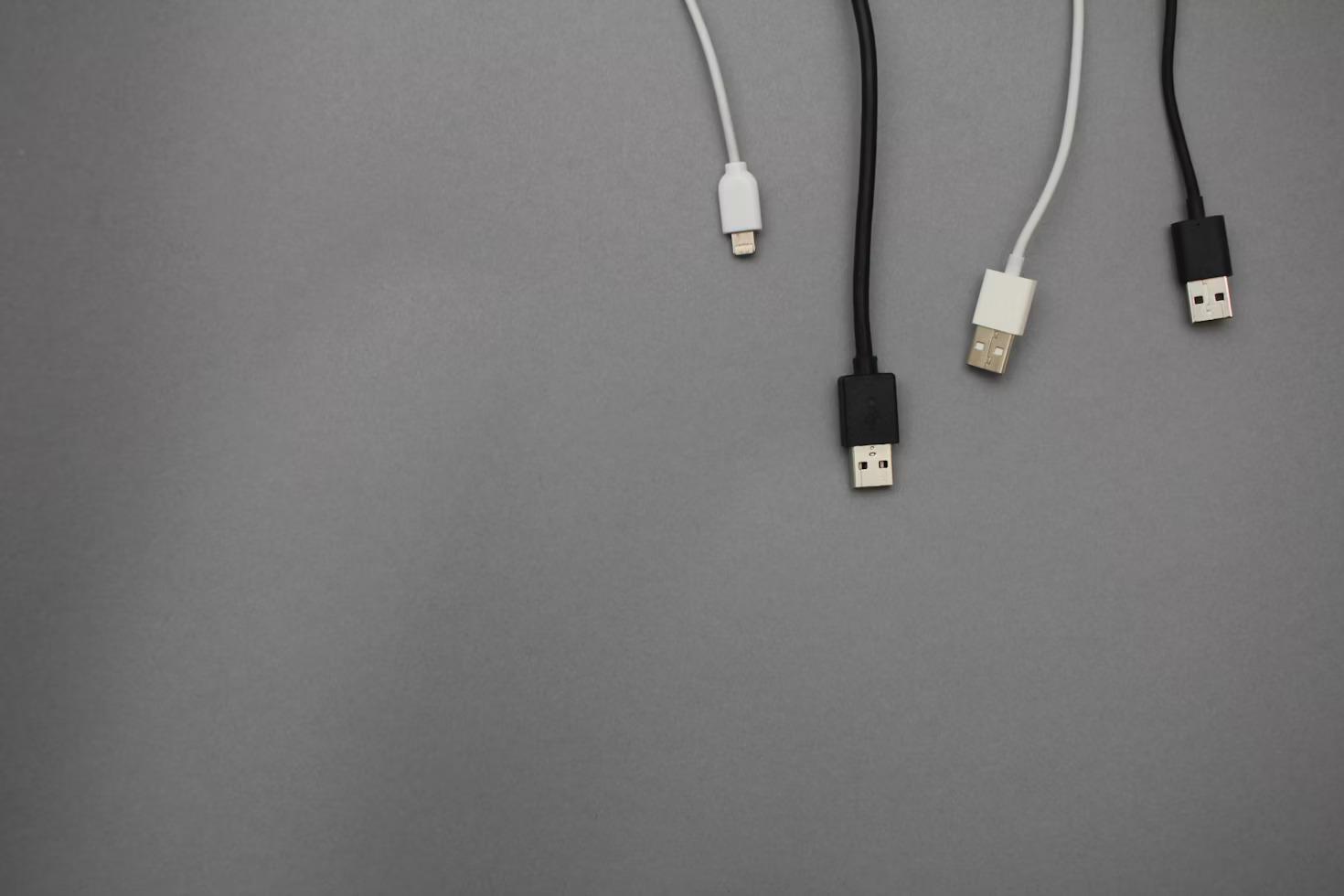
Get set up with LifeFlix v3.6: Essential accessories required!
Apart from owning LifeFlix v3.6, a Mac device, tape device, you’ll need additional accessories are to begin archiving your footage.
Mac devices support the Firewire protocol which is the protocol that DV tape devices use to send information, however Mac devices do not have a DV port, so a couple cable adaptors are required to establish a connection between both devices.
Required Accessories:
- DV to Firewire Cable 800 (1394B 800-400 IEEE)
- Apple Thunderbolt 2 to FireWire 800 Adapter (A1463)
- Apple Thunderbolt 2 to Thunderbolt 3 USB
- -C (MMEL2AM/A) - Optional
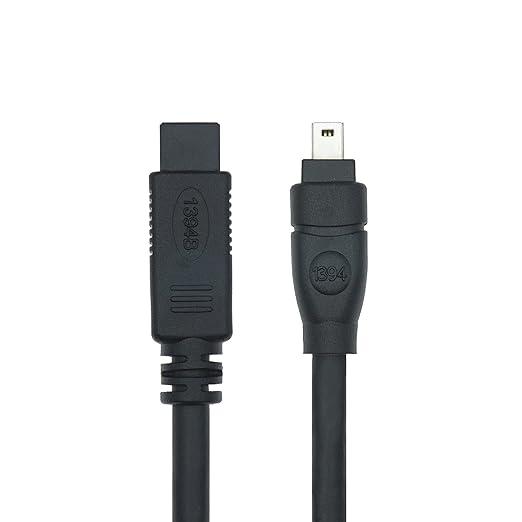
DV to Firewire Cable 800
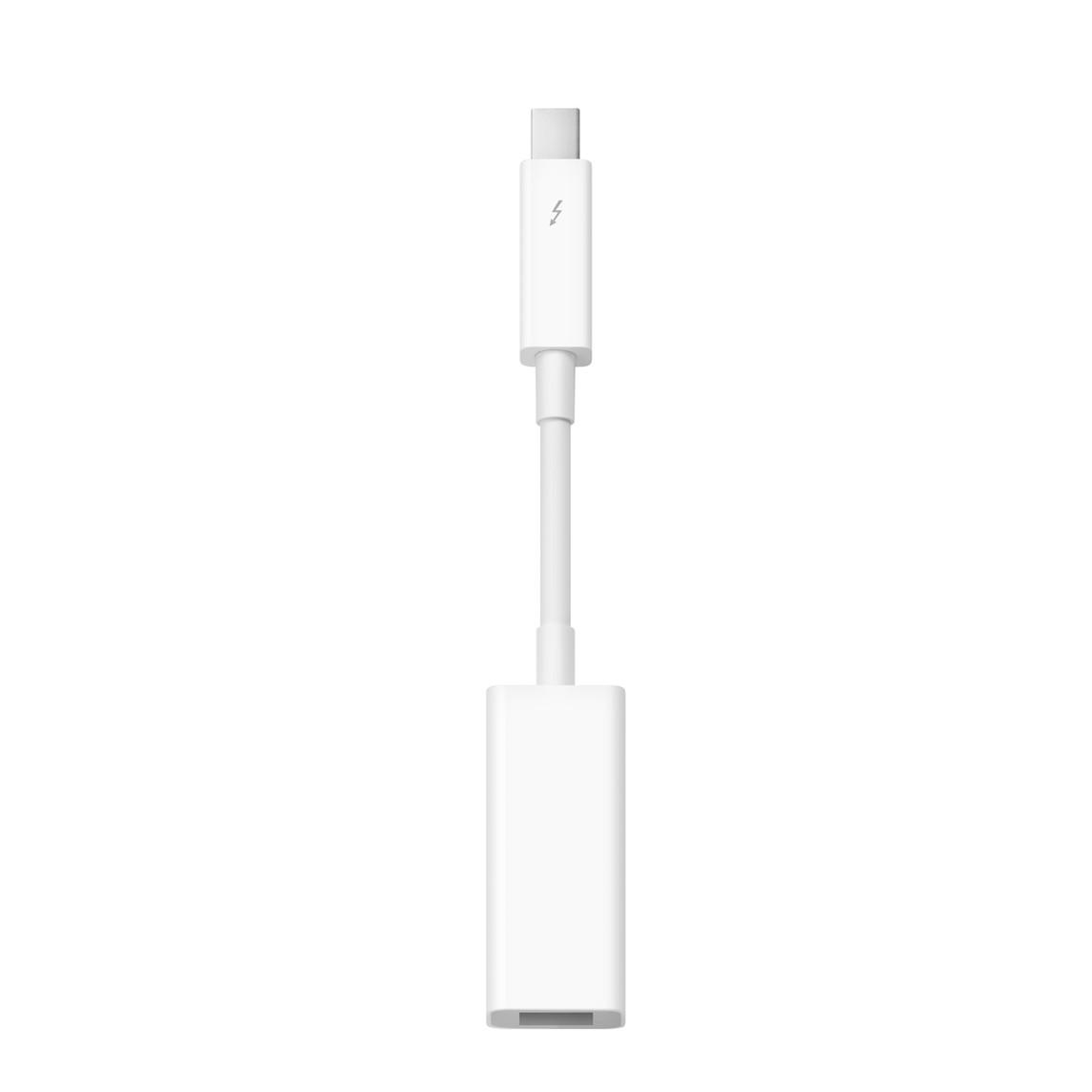
Apple Thunderbolt 2 to FireWire 800 Adapter
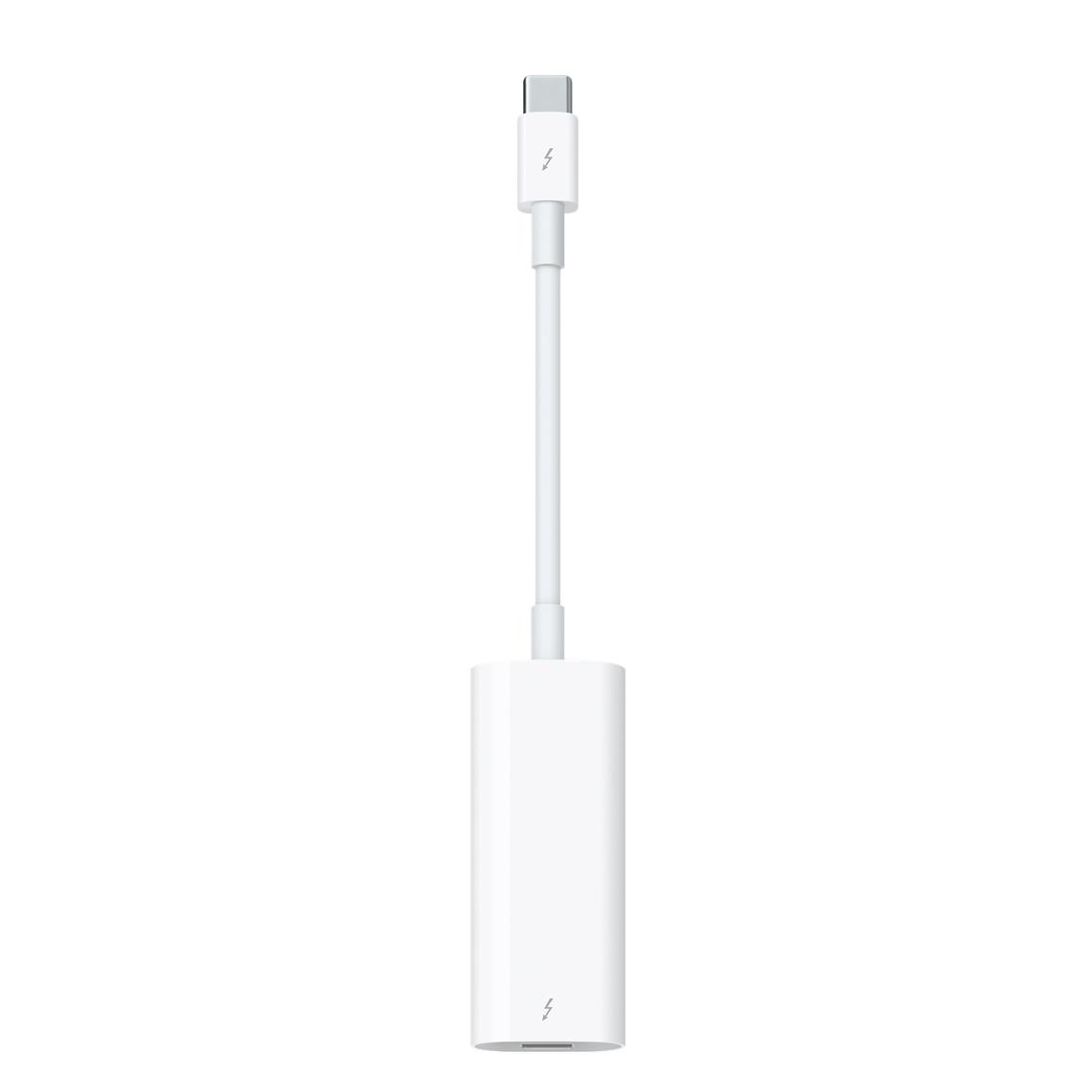
Apple Thunderbolt 2 to Thunderbolt 3 USB-C
Please read our articles https://www.lifeflix.com/resources/dv-device-setup-for-life-flix-v3-6 or https://www.lifeflix.com/resources/hi8-and-video8-device-setup-for-life-flix-v3-6 for detailed step by step instructions on how to connect your tape and Mac devices.
- LifeFlix does not provide, sell, or replace any of the adapters listed above and they must be obtained from third party vendors.
- DV to Firewire Cable 800: Can be purchased from Amazon. Search the cable ID “1394B 800-400 IEEE” to find available listings. If you are uncertain of which cable to purchase, we recommend the following option: Amazon.
- Apple Thunderbolt 2 to Firewire 800 Adapter: Can be purchased from Amazon or Ebay. This adapter is manufactured by Apple but is no longer available on their website. You may purchase one from Ebay or Amazon. Search the cable ID “A1463” to find available listings.
- Apple Thunderbolt 2 to Thunderbolt 3 USB-C (MMEL2AM/A): Can be purchased from Ebay. This adapter is manufactured by Apple but is no longer available on their website. You may purchase one from Ebay. Search the cable ID “MMEL2AM/A” to find available listings.
Important!
The Apple Thunderbolt to Firewire Adapter is required only if your Mac Device does not have a Thunderbolt 1 port. This includes any Mac device models manufactured after 2016
Start your media management journey today!
Subscribe to lifeflix.com
Most Popular
Join Our LifeFlix Community
Enter Your Email Address to Sign Up for Exclusive Updates!
Own your
memories
forever
withLifeFlix!
Related Guides
Exporting to NAS
Exporting to NAS - How to export your digitised footage directly to a NAS drive. Covers mounting, connection types, recommended devices, and best prac...
Read More ➜
End of Tape Marker Explained
End of Tape Marker Explained - LifeFlix stopped and said end of tape. Here is what that marker means, when it appears early, and what to do about it.
Read More ➜