
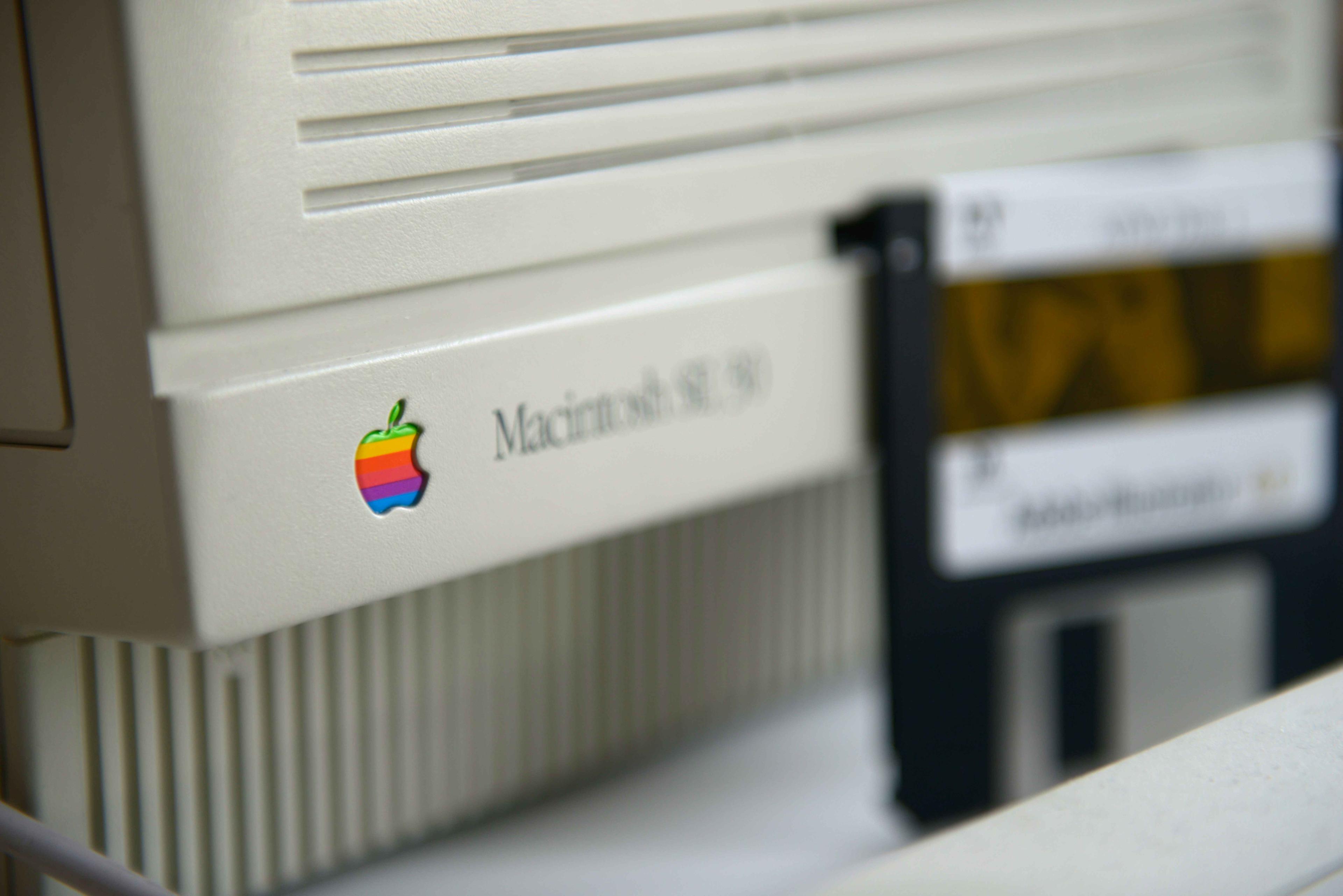
Use LifeFlix on older macOS versions with these downloads and activation steps.
Using LifeFlix on Older macOS Versions
If you're using an older macOS version, such as macOS 10.15 (Catalina) or macOS 10.13 (High Sierra), you may be wondering if the latest version of LifeFlix is compatible.
Compatibility
- LifeFlix Version 5 is designed for macOS 12 (Monterey) and later (2021+).
- Older Builds Available:
DV Importing Support: Compatible with macOS 10.7 (Lion) through macOS 15.7 (Sequoia).
Version 3 supports macOS 10.7 (Lion) through macOS 15.7
Version 4 supports macOS 12 (Monterey) through macOS 15.7
LifeFlix Library: Runs smoothly on the latest macOS versions, including Tahoe.Version 3 supports macOS 10.7 (Lion) and later (2011+).
If you’re on macOS 10.15 (Catalina) or 10.13 (High Sierra), we recommend trying LifeFlix Version 3 or 4 to check compatibility with your system.
Download Older Versions:
- Version 3: Download Here
- Version 4: Download Here
Purchasing a License
If the version you download works on your macOS, you can purchase a Lifetime License from our website at lifeflix.com. After your purchase, simply share your receipt with us, and we will provide access to the full version of LifeFlix 3 or 4.
For any questions or additional support, feel free to reach out to our team. Happy digitizing!
Most Popular
Join Our LifeFlix Community
Enter Your Email Address to Sign Up for Exclusive Updates!
Own your
memories
forever
withLifeFlix!
Related Guides

What's Coming Next: A Look at LifeFlix Upcoming Features
Discover LifeFlix's upcoming features from AI tagging tools and duplicate detection to face recognition, scene detection, smart highlights, and AI met...
Read More ➜
Inside LifeFlix Today: A Deep Dive Into Current Features
A detailed look at every current LifeFlix V5 feature from tape digitization and video editing tools to AI tagging, photo editor for Mac, metadata edit...
Read More ➜
