
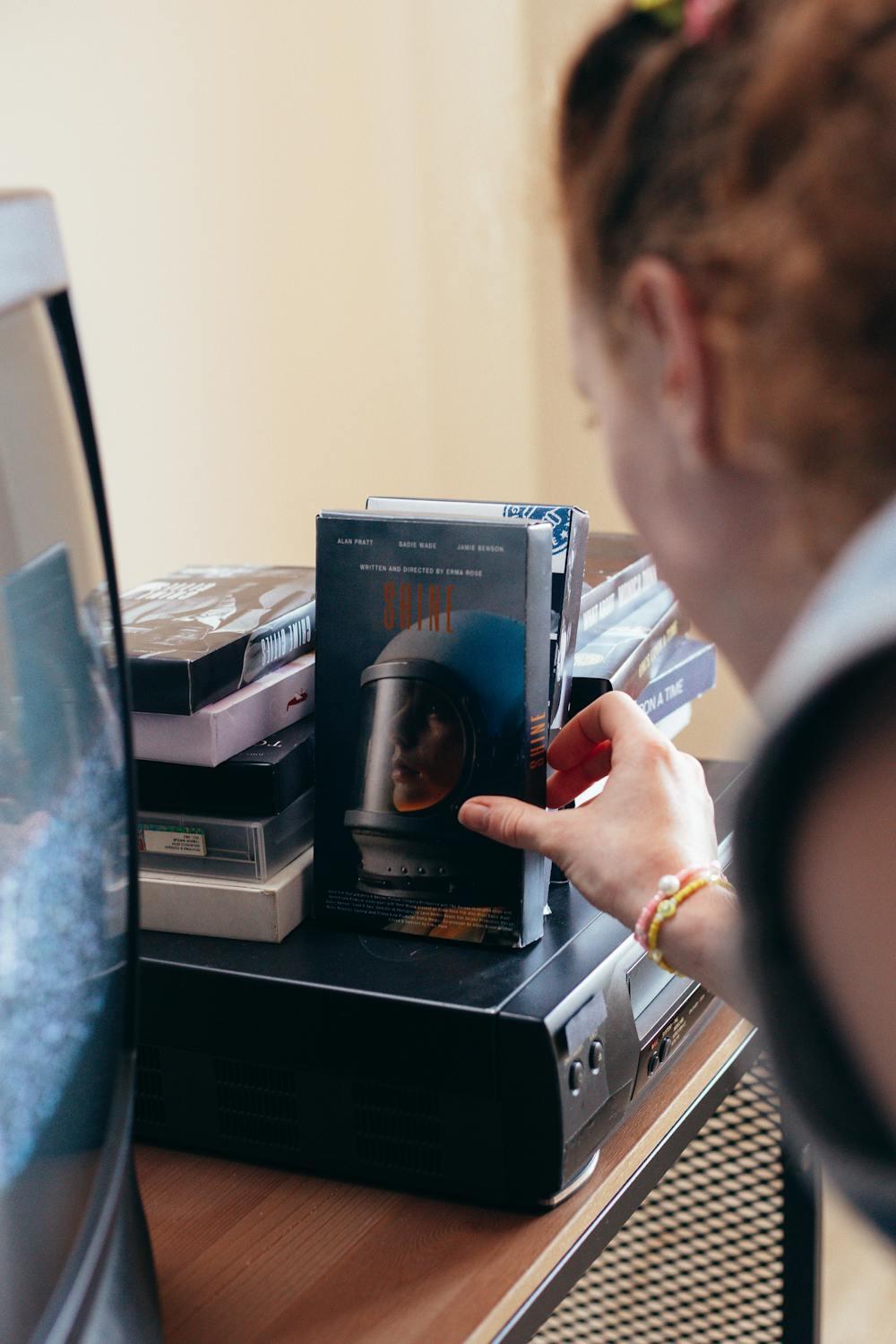
All footage that is to be imported or has been imported into LifeFlix v3.6 can be converted to a High Definition (HD) video file. This will boost its visual fidelity and upscale its native resolution to 1920 x 1080.
Important! If you happen to import footage as Standard Definition (SD), you can always convert it to HD at any moment, but once footage has been converted to HD, it cannot be converted back to SD.
Note: Converting your tapes to HD will lead to file size getting larger.
Start your media management journey today!
Subscribe to lifeflix.com
Most Popular
Join Our LifeFlix Community
Enter Your Email Address to Sign Up for Exclusive Updates!
Own your
memories
forever
withLifeFlix!
Related Guides
Exporting to NAS
Exporting to NAS - How to export your digitised footage directly to a NAS drive. Covers mounting, connection types, recommended devices, and best prac...
Read More ➜
End of Tape Marker Explained
End of Tape Marker Explained - LifeFlix stopped and said end of tape. Here is what that marker means, when it appears early, and what to do about it.
Read More ➜