
We’ve released a newer version V5. Read more about it https://www.lifeflix.com/resources/lifeflix-version-5
- It doesn't crash! LifeFlix was originally developed over a decade ago and suffered from sluggishness caused by poor memory handling. The new version (v4) was rewritten from the ground up to take advantage of modern processors.
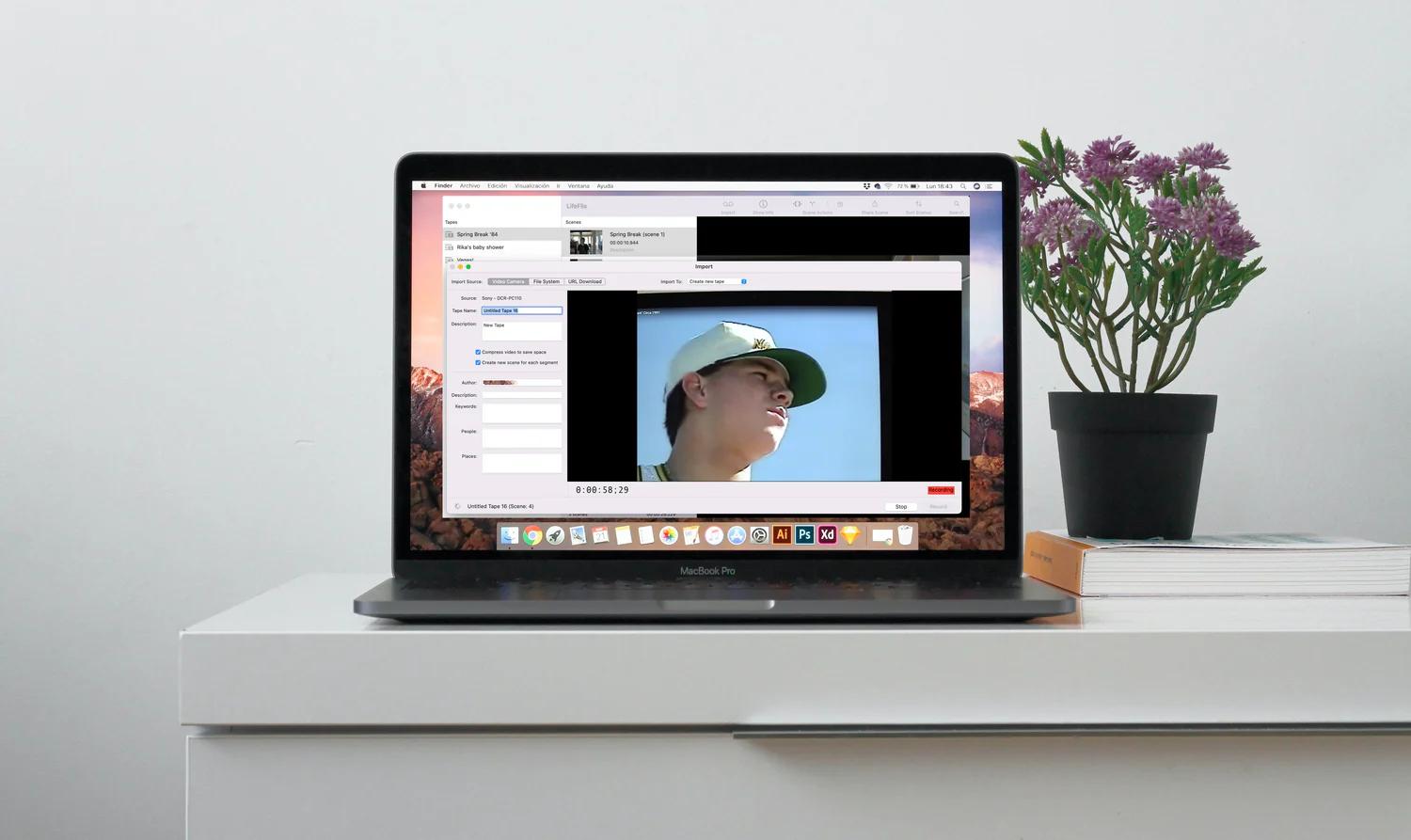
- More import options. LifeFlix was originally created to import old video tapes from DV camcorders. Naturally it still does this. However, the new version can now import:
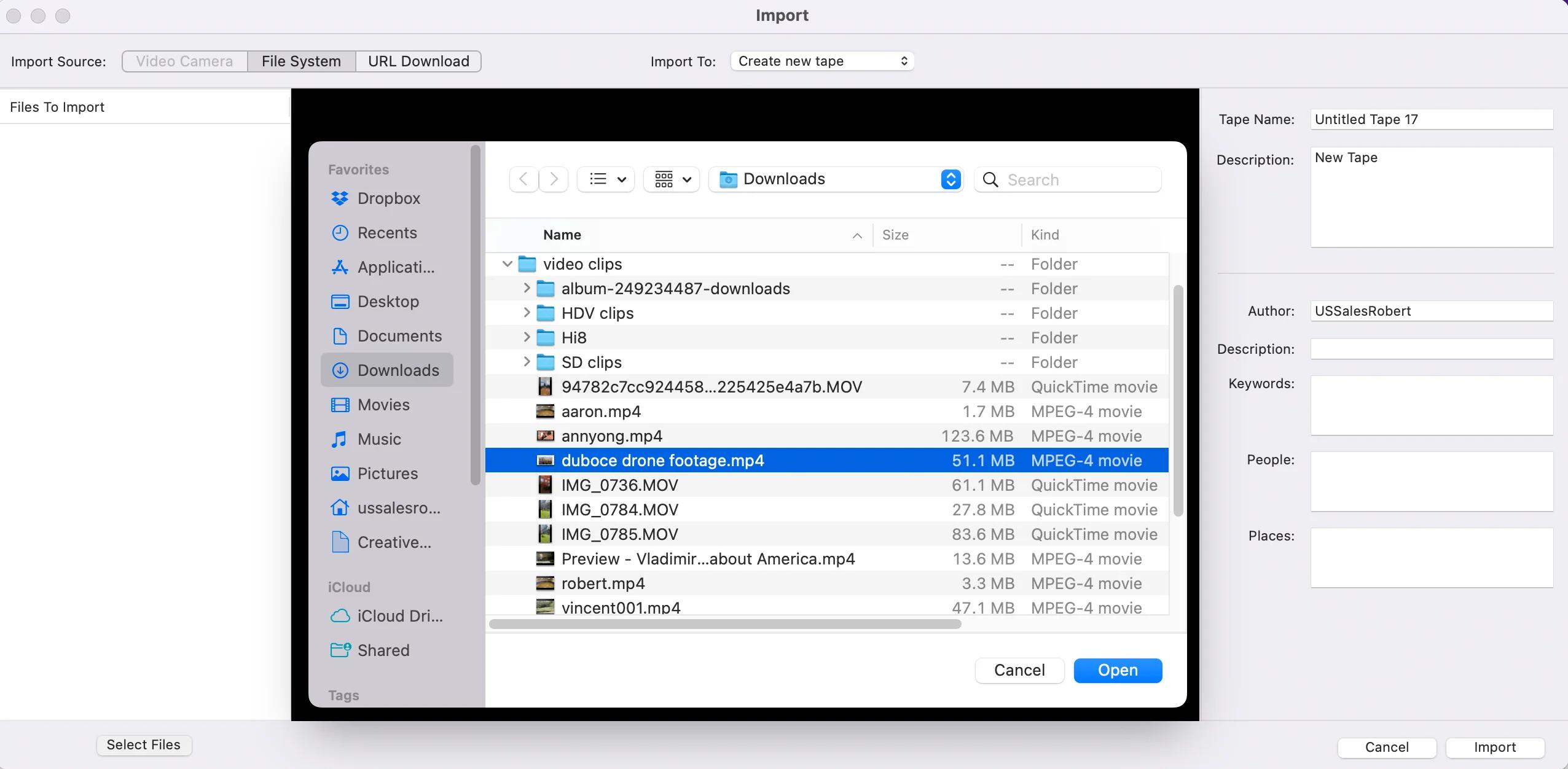
1. Modern video files (eg. mp4, mov) from phones, tablets, digital cameras and storage drives (local, external or cloud-based).
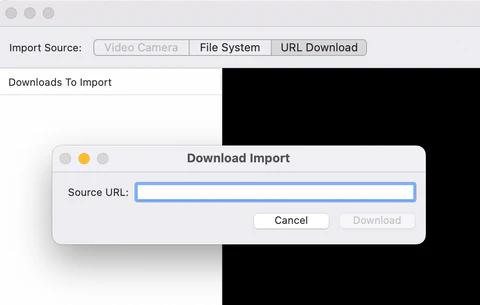
2. Web Video from YouTube or Facebook. Simply enter the video's URL and press Download!
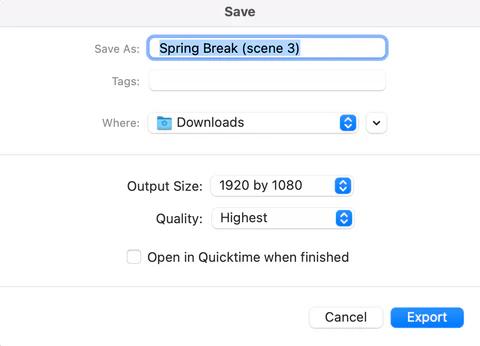
- Convert to HD. This isn't really new, but now it's much more accessible and you have the option to upscale old Standard Definition video to 1920 x 1080 or 1280 x 720.
- Scene Info. Here is a convenient way to edit the metadata of your video clip, including keywords, description, author and date. You can also set a new poster frame.
Get Lifeflix Today!
Most Popular
Join Our LifeFlix Community
Enter Your Email Address to Sign Up for Exclusive Updates!
Related Blogs

About Oraphaned Media On LifeFlix Library
Learn how LifeFlix Library prevents lost footage with its Orphaned Media system, ensuring your tape imports stay safe even after crashes or faults.
Read More ➜
Best Media Library for Mac: Why LifeFlix Library Leads in 2026
Discover why LifeFlix Library is the best media library software for Mac in 2026, with smart AI tagging, powerful imports, and modern macOS organizati...
Read More ➜